

zo.pub/<your-handle>. Ask Zo to publish a folder from your workspace and you’ll get a link anyone can open to browse and download the files.
zo.pub is for sharing files, not for running web apps. If you want to build
a website or a custom app, use Sites instead.
Publish a folder
Just ask Zo. A few phrasings that work:Publish this folder to zo.pubGive me a link to share these filesMake this folder public
What people see when they open the link
Visitors don’t need a Zo account. They land on a clean listing page with the files in your folder — name, size, date — and can click any file to view or download it. Subfolders are browsable. The whole folder can also be downloaded as a single zip or tar archive.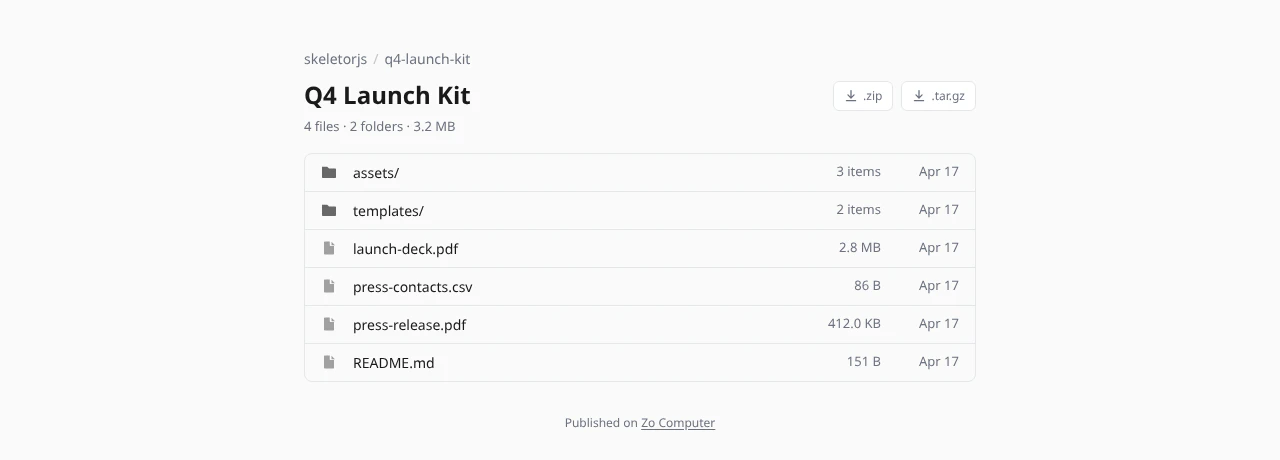
A published zo.pub folder
Your public page
zo.pub/<your-handle> lists every folder you’ve published, with a quick summary of each. Anyone with your handle can bookmark this page to see what you’re sharing.
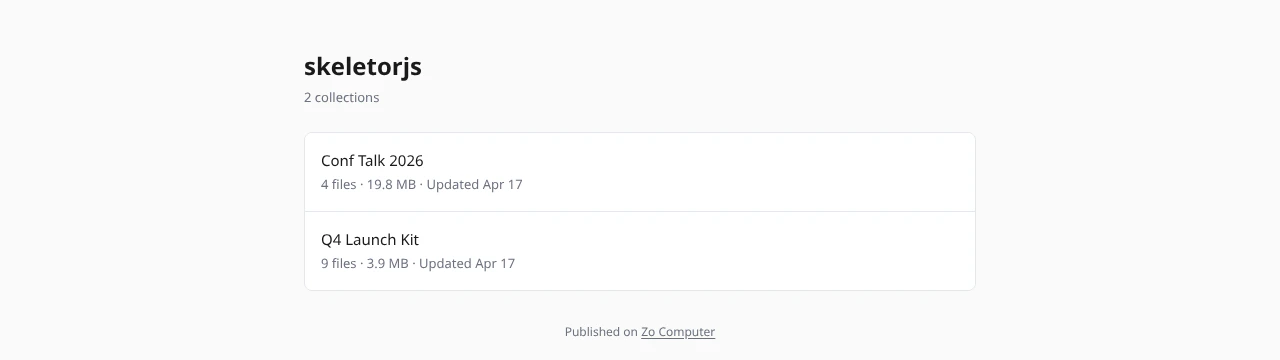
Your zo.pub profile lists everything you've published
URLs
Updating or removing a folder
Ask Zo to update or take it down:Update my vacation folder on zo.pubRepublish this folder — I added new filesTake down the folder I published called "drafts"