> ## Documentation Index
> Fetch the complete documentation index at: https://docs.zocomputer.com/llms.txt
> Use this file to discover all available pages before exploring further.
# Claude Code
> Use your Claude Code subscription with Zo
[Claude Code](https://code.claude.com/docs/en/overview) is Anthropic's agentic coding tool, included with [Pro and Max plans](https://claude.com/pricing). If you have a subscription, you can use it as an AI provider instead of Zo's built-in credits.
## Setup
1. Open the terminal on your Zo and run `claude` to start the login flow
2. Follow the prompts to authenticate with your Claude account
When copying the authentication URL, it may span multiple lines. Combine them into one line before opening in your browser.
3. Go to **Settings > AI Providers** and enable **Claude Code**
4. Select your preferred model
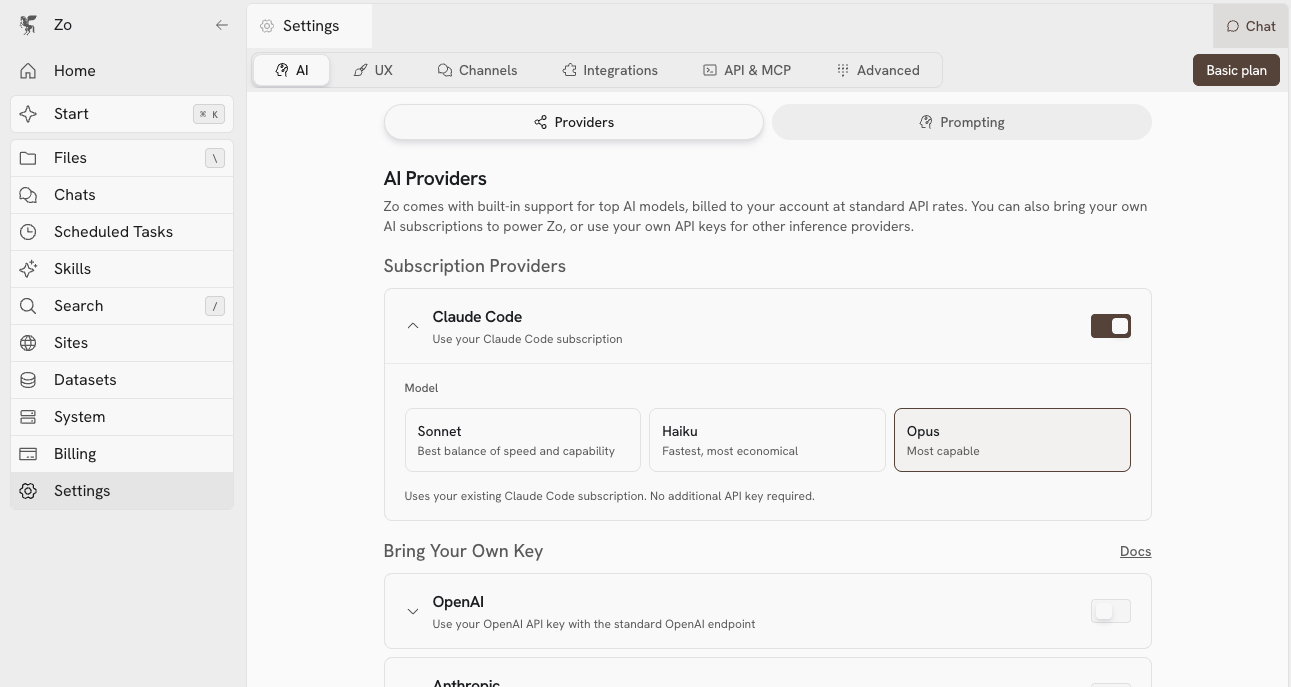 5. Select "Claude Code" from the model picker in chat and you're set